
Quick answer: If your DK222 account is blocked, suspended, or locked, first read the message shown in the app. Temporary locks after wrong password or OTP attempts often clear on their own after some time. Other blocks usually happen because of multiple accounts, bonus misuse, payment details that do not match your name, suspicious logins, or rule violations. To fix it, reset your password if needed, gather screenshots and transaction IDs, and contact DK222 support from inside the app. Never create a new account to get around a block, and never pay anyone an “unblock fee”.
DK222 Account Blocked or Suspended – Reasons and How to Fix It
Few things are more stressful than opening the app and seeing that your DK222 account blocked message has appeared, especially when you have a balance or a pending withdrawal. Some users see a DK222 account locked message, others see a DK222 account suspended or “under review” notice, and some simply cannot log in anymore.
This guide explains what a blocked DK222 account means, the different types of restrictions, the most common reasons accounts get blocked, how to check the reason, a step-by-step method to fix it, what to write to support, what happens to your balance, and how to protect your account so it does not happen again. The exact wording and rules can change, so always follow the message shown in your own app.
What Does “DK222 Account Blocked” Mean?
When a DK222 account is blocked, the platform has limited what you can do with it. Depending on the type of block, you may not be able to log in, play games, use bonuses, or withdraw money.
A block does not always mean that your account has been closed forever. Many restrictions are temporary security measures or checks that end once the issue is cleared. Understanding which type of block you have is the first step to fixing it.
Types of DK222 Account Restrictions
Not every DK222 account blocked situation is the same. These are the most common types.
DK222 Account Locked (Temporary Login Lock)
A DK222 account locked message usually appears after several wrong password or OTP attempts. It protects your account from someone guessing your password, and it often clears automatically after some time.
Withdrawal Restriction
Your account works, but withdrawals are paused. This can happen during a payment check, when bonus conditions are not complete, or when wallet details do not match. Read our DK222 withdrawal pending guide if your money is stuck.
Bonus Restriction
You can play, but some promotions or bonuses are disabled. This is common when the platform suspects bonus or referral misuse.
Account Under Review or Verification
The platform is checking your account activity or identity. During a review, some features may be limited until the check is complete.
DK222 Account Suspended (Permanent Suspension)
A DK222 account suspended permanently is usually closed because of a serious rule violation. Permanent suspensions are the hardest to reverse, and the platform’s decision is usually final.
Common Reasons Why a DK222 Account Gets Blocked
Here are the most frequent reasons behind a DK222 account blocked or suspended message:
- Too many wrong attempts: entering the wrong password or OTP several times in a row.
- Multiple accounts: creating more than one account with the same device, number, wallet, or details.
- Bonus or referral misuse: using fake referrals or several accounts to collect the same reward.
- Payment details that do not match: using a JazzCash or Easypaisa wallet that is not in your own name.
- Suspicious logins: logging in from many devices or locations in a short time, or using a VPN.
- MOD, hack, or predictor apps: installing modified versions of the app or tools that claim to predict results.
- Account sharing: letting other people use your account or buying and selling accounts.
- Payment disputes: reversing or disputing a deposit after playing.
- Age or identity concerns: the platform believes the user may be under 18 or details are false.
- Rule violations: any other breach of the platform’s terms and conditions.
How to Check Why Your DK222 Account Is Blocked
Before you try to fix a DK222 account blocked problem, find out the reason. Check these places:
- the message shown on the login screen or in the app;
- notifications, inbox, or announcements inside the app;
- SMS messages sent to your registered number;
- your account or security section, if you can still log in;
- the status of your recent deposits and withdrawals.
Write down the exact message, take a screenshot, and note the date and time. This information will help support understand your case.
How to Fix a Blocked DK222 Account (Step by Step)
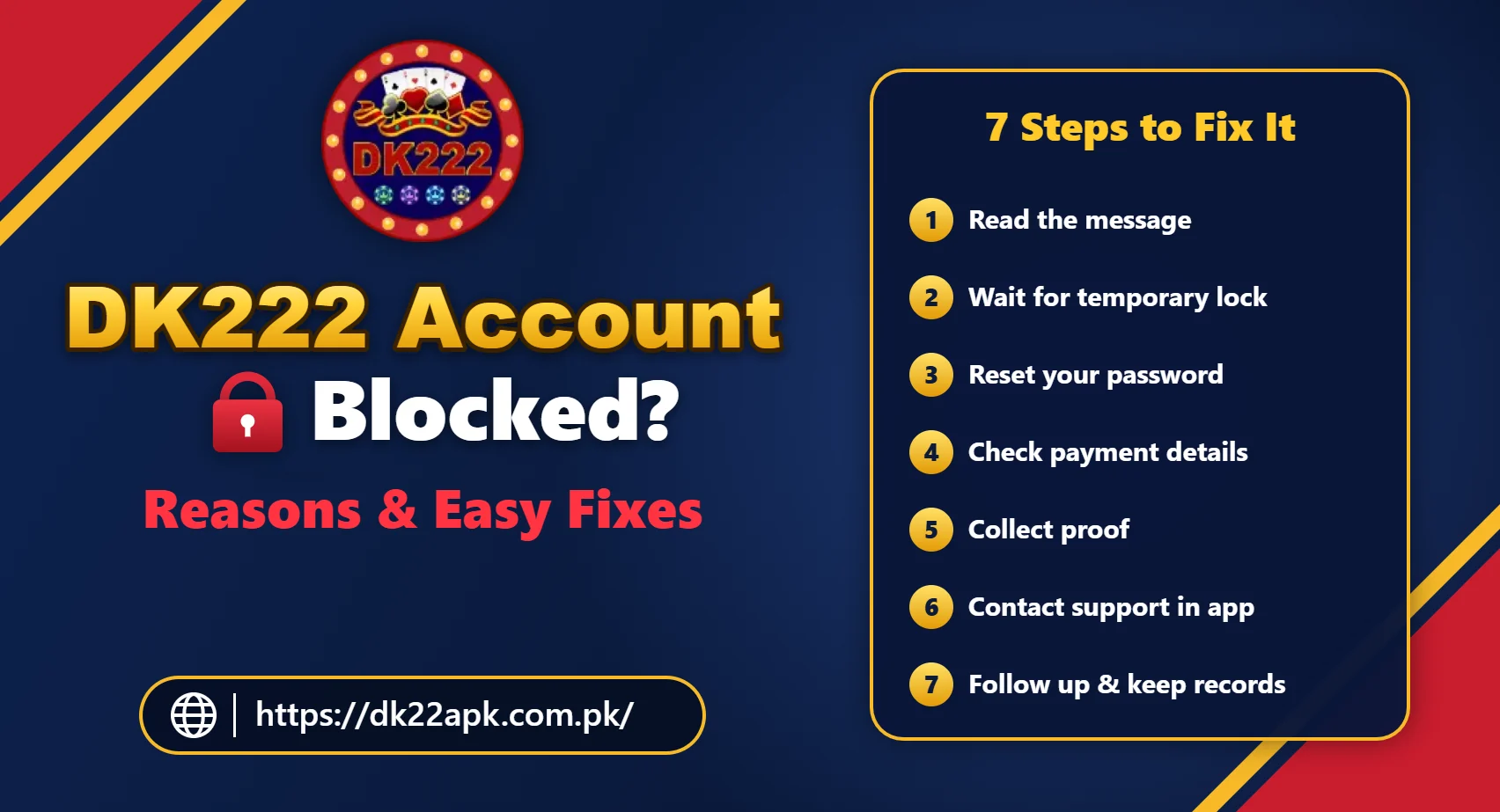
Follow these steps in order to fix a DK222 account blocked issue. Most temporary blocks are solved in the first three steps.
Step 1: Stay Calm and Read the Message
Do not keep trying random passwords or tapping login repeatedly, as this can extend a temporary lock. Read the message carefully and identify the type of block.
Step 2: Wait for a Temporary Lock to Clear
If your DK222 account locked itself after wrong password or OTP attempts, wait for some time before trying again. Make sure you are typing the correct number and password.
Step 3: Reset Your Password
If you are not sure about your password, use the Forgot Password option. Our DK222 forgot password guide explains each step, and our DK222 OTP not received guide helps if the code does not arrive.
Step 4: Check Your Payment Details
Make sure the JazzCash or Easypaisa wallet linked to your account is registered in your own name and that the number is correct. Mismatched details are a common reason for withdrawal blocks.
Step 5: Collect Proof
Gather screenshots of the block message, your profile, and your recent transactions, along with deposit and withdrawal transaction IDs. Clear proof makes it easier for support to review your case.
Step 6: Contact DK222 Support From Inside the App
When your DK222 account is blocked, use the customer service or help option inside the app, not phone numbers or links shared by strangers. Our DK222 customer support guide explains safe ways to get help.
Step 7: Follow Up Politely and Keep Records
Reviews can take time. Keep a record of every message, avoid sending many repeated complaints, and follow up politely if you do not hear back.
What to Write to DK222 Support
A clear, short message about your DK222 account blocked problem gets better results. You can use this simple format:
- Registered mobile number: your account number (never your password or OTP);
- Problem: “My DK222 account is blocked / suspended / locked”;
- When it started: date and time;
- Message shown: the exact wording, with a screenshot;
- Recent transactions: deposit or withdrawal IDs, if relevant;
- Request: ask for the reason and the steps needed to restore access.
Never send your password, OTP, or wallet PIN in a support message. A genuine support team does not need them.
DK222 Account Blocked With Balance – What Happens to Your Money?
This is the biggest worry for most users who see a DK222 account blocked message. What happens to your balance depends on the reason for the block and the platform’s rules. During a review, your balance and withdrawals may be frozen until the check is complete. If the account is cleared, access usually returns.
In cases of serious rule violations, the platform may cancel bonuses or winnings linked to those violations, according to its terms. Because outcomes vary, keep complete records of every deposit and withdrawal and ask support to explain the status of your balance in writing.
DK222 Account Blocked After a Withdrawal Request
Some users find their DK222 account blocked right after requesting a withdrawal. This often means the platform is checking the request. Do not submit more requests or create a new account. Instead:
- Check that the wallet number and name are correct.
- Confirm that any bonus turnover is complete.
- Note your withdrawal ID and take a screenshot.
- Contact support and ask whether the account is under review.
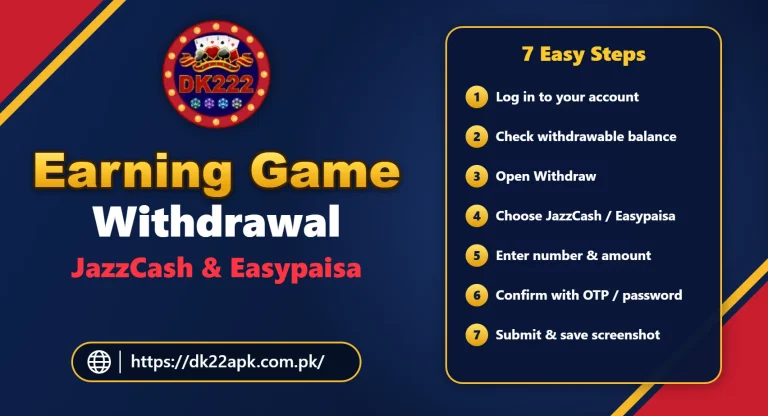
For more help, read the DK222 withdrawal guide and our guide on earning game withdrawal to JazzCash and Easypaisa.
Can You Create a New DK222 Account If Yours Is Blocked?
It is not a good idea. Most platforms do not allow more than one account per person, device, or payment method. Creating a new account to get around a DK222 account blocked status can lead to every linked account being blocked, including any balance on them. It can also reduce your chances of recovering the original account. The same applies to using several accounts with a DK222 invitation code to collect rewards.
DK222 Account Hacked or Blocked?
Sometimes users think their account is blocked when it has actually been taken over by someone else. Signs of a hacked account include a password that suddenly stops working, OTPs you did not request, and transactions you did not make.
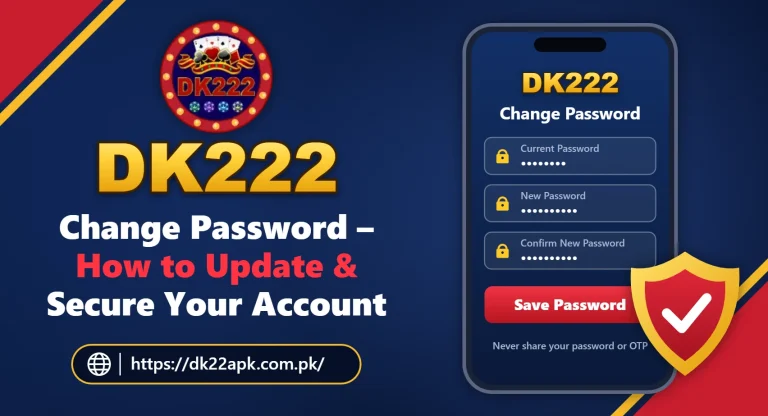
If you suspect this, reset your password immediately using the DK222 change password guide, check your linked wallet details, and contact support. You can also check whether your email or phone number has appeared in a known data leak on Have I Been Pwned.
Beware of “Account Unblock” Scams
Scammers often target users with a DK222 account blocked or DK222 account suspended message. Be very careful with anyone who:
- claims to be a DK222 agent on WhatsApp, Telegram, or Facebook;
- asks for an “unblock fee”, “verification charge”, or “security deposit”;
- asks for your password, OTP, or JazzCash or Easypaisa PIN;
- sends you a link to “verify” your account;
- promises to unblock any account within minutes for money.
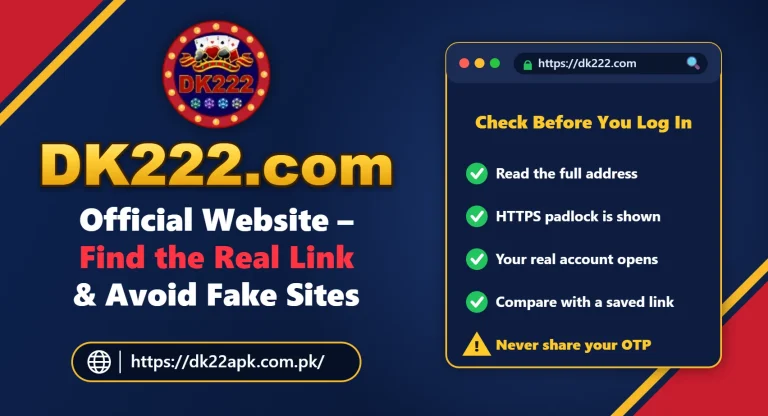
A genuine platform does not ask you to send money to a personal number to unblock your account. Read our DK222 real or fake safety guide and our guide on the DK222.com official website to learn how to spot fake links and agents.
How to Prevent Your DK222 Account From Being Blocked
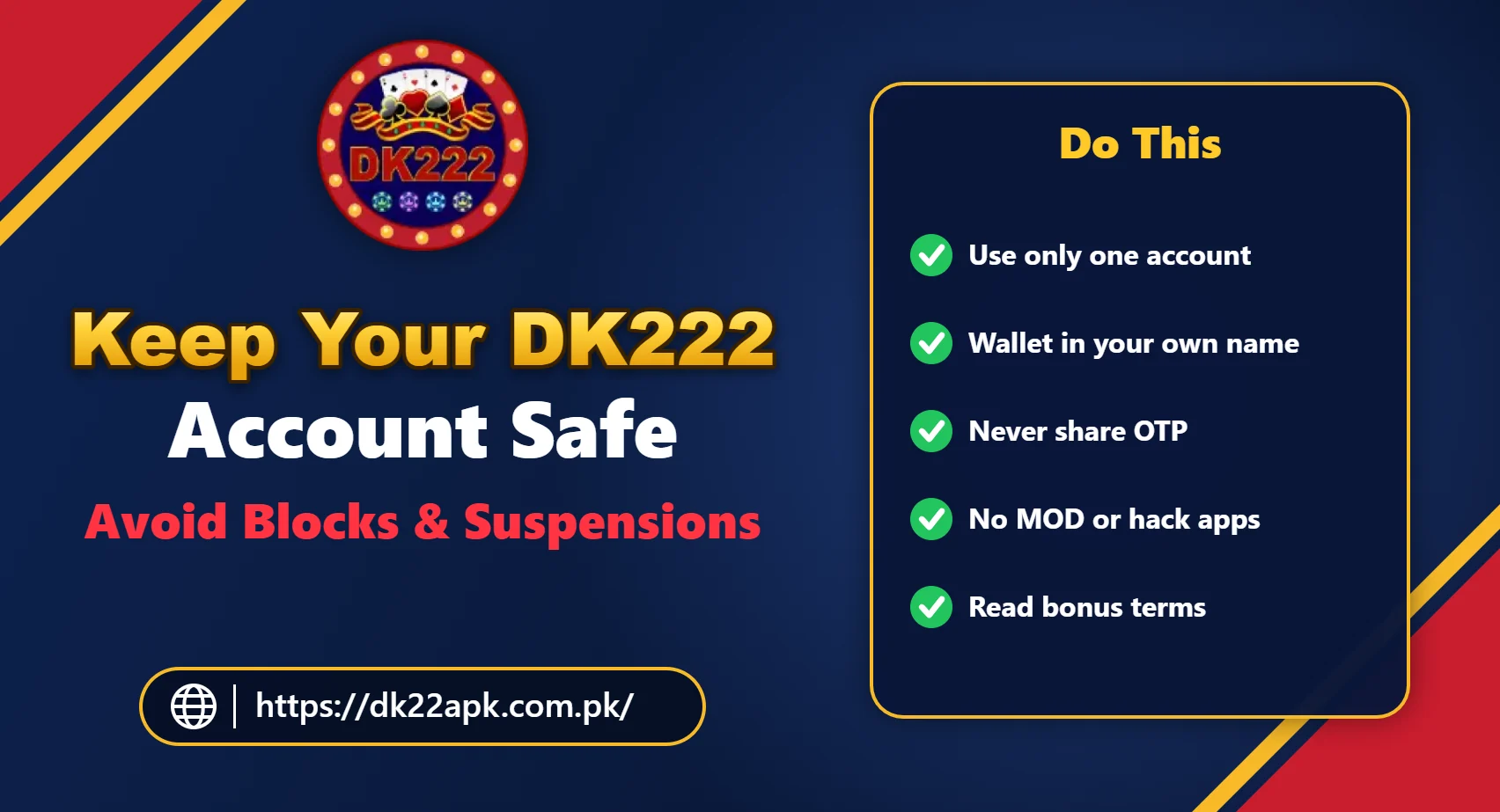
The best fix for a DK222 account blocked problem is prevention. Follow these simple rules to keep your account safe:
- use only one account with your own correct details;
- keep your JazzCash or Easypaisa wallet in your own name;
- do not share your account, password, or OTP with anyone;
- avoid MOD, hack, and predictor apps completely;
- read bonus and referral terms before accepting any offer;
- avoid logging in from many different devices or through a VPN;
- keep the app updated using our DK222 download guide;
- use a strong, unique password and change it if you suspect a problem.
Play Responsibly
If you ever want to take a break from gaming, you can ask support whether the platform offers self-exclusion or account closure options. DK222 involves real-money games, and results depend mainly on chance. Only play with money you can afford to lose, set firm limits, and stop if playing causes stress or financial problems. DK222 is meant for adults (18+) only.
Frequently Asked Questions
Why is my DK222 account blocked?
Common reasons include too many wrong password or OTP attempts, multiple accounts, bonus or referral misuse, payment details that do not match your name, suspicious logins, using MOD or hack apps, or breaking the platform’s rules.
How long does a DK222 account block last?
A temporary lock after wrong password attempts often clears after some time. Reviews, verification checks, and suspensions can take longer, and permanent bans may not be lifted. The message in the app or from support usually explains the type of block.
How do I unblock my DK222 account?
Read the block message, wait if it is a temporary lock, reset your password if needed, check your payment details, collect screenshots and transaction IDs, and contact DK222 support from inside the app with a clear explanation.
What happens to my balance if my DK222 account is blocked?
It depends on the reason and the platform’s rules. Your balance and withdrawals may be frozen during a review. Keep records of every deposit and withdrawal and ask support to explain the status of your balance.
Can I create a new DK222 account if my account is blocked?
It is not recommended. Creating another account usually breaks the platform’s rules and can lead to all related accounts being blocked. Try to resolve the issue on your original account through support.
Is there a fee to unblock a DK222 account?
A genuine support team should not ask you to send money to a personal number to unblock your account. Anyone asking for an “unblock fee” or “verification charge” is most likely a scammer.
My DK222 account is blocked after a withdrawal request. What should I do?
Do not submit more requests. Check your wallet details and any bonus conditions, then contact support with your withdrawal ID and screenshots and ask whether the account is under review.
How can I prevent my DK222 account from being blocked?
Use one account with your own details, keep your payment wallet in your own name, avoid MOD or predictor apps, do not share your account, protect your password and OTP, and read bonus terms before accepting offers.
Related DK222 (DK22) Guides
- DK222 login – account access guide
- DK222 forgot password – how to recover your account
- DK222 customer support options
- DK222 withdrawal pending – reasons and what to do
- DK222 not working – common problems and fixes
- DK222 (DK22) game download guide
Final Thoughts
A DK222 account blocked message can be worrying, but many blocks are temporary or can be cleared with the right steps. Read the message carefully, wait out short security locks, reset your password if needed, check your payment details, and contact support with clear proof.
Most importantly, never create extra accounts, never share your OTP, and never pay anyone to unblock your account. Following the platform’s rules and keeping your account secure is the best way to make sure your DK222 account stays active.
One Comment