
DK222.com Official Website – How to Find the Real DK222 Link and Avoid Fake Sites
Every day, many users search for DK222.com, “dk222 com”, or “DK22.com” because they want to log in, download the app, or check their balance. The problem is that search results show many look-alike addresses ending in .com, .com.pk, .net, or .org. Some are information websites, some are download pages, and some may be copycat sites built to collect passwords, OTPs, or payments.
This guide explains what DK222.com refers to, the different types of DK222 websites you may find, how to check whether a link is genuine, the warning signs of a fake site, and what to do if you have already used a suspicious link. Please note that dk22apk.com.pk is an independent guide website and is not the DK222 platform itself.
What Is DK222.com?
DK222.com is the domain name most people type when they look for the DK222 (DK22) game platform. Because the brand name is short and popular, many websites use the same or similar words in their addresses, such as “dk222.com”, “dk222 com”, “dk22.com”, or “dk222.com game”.
Typing a name into Google does not guarantee that you will reach the platform. Search results also include guide sites, review blogs, video pages, and sometimes copycat pages that only look like DK222. That is why the address you open matters more than the name you search for.
Is There One DK222 Official Website?
Online gaming platforms often use more than one domain. They may use separate links for the website, the app download, and invitation or referral sign-ups, and these links can change over time. Because of this, a single “official” address is difficult to confirm from outside.
Instead of trusting a site because it says “official” in its title, judge every link by what it does. A link you can trust should open your real account, show your actual balance and history after login, and never ask for unusual payments or for your OTP.
Types of DK222 Websites You May See in Search Results
When you search for DK222.com, you will usually see these kinds of websites:
- Platform links: the pages where you log in, deposit, play, and withdraw.
- Download pages: pages that provide the Android APK file and installation steps.
- Guide and review websites: sites like this one that explain features and fix common problems. They do not hold your account or balance.
- Invitation or referral links: links that include an invite code and lead to the registration page. The person who shares the link may receive a referral reward.
- Copycat or fake sites: pages that copy the DK222 name or design to collect passwords, OTPs, or money.
Knowing which type of page you are on helps you decide what information is safe to enter.
Why Do So Many DK222 Websites Exist?
There are several reasons why you see so many addresses for one name. Popular apps attract guide writers and reviewers who explain how the app works. Referral programs encourage users to share their own invitation links. Platforms themselves may use extra domains or new links when an old one stops working. Unfortunately, popularity also attracts scammers, who register similar names to trick people into entering their details.
This mix of genuine, informational, and fake pages is the main reason users get confused. The safest approach is simple: decide which link you trust, save it, and check any new link carefully before you use it.
How to Check if a DK222 Link Is Real
Follow these steps before you enter any login or payment details.
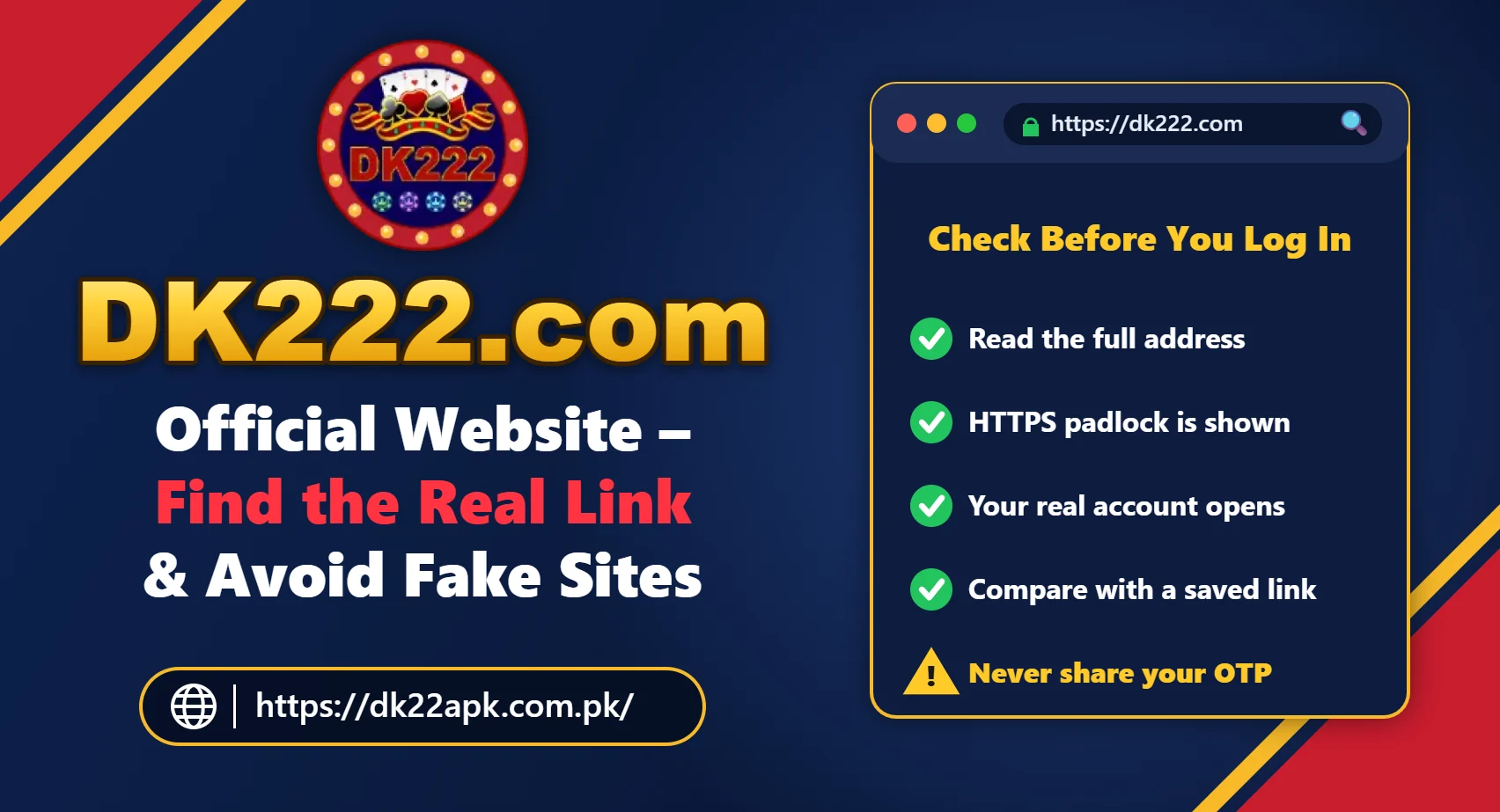
Step 1: Read the Full Address Carefully
Look at every letter in the address bar. Fake sites often add or change one character, for example using extra numbers, a hyphen, or a different ending. “dk22”, “dk222”, and “dk2222” are not the same thing.
Step 2: Check for HTTPS and the Padlock
A secure connection (https and a padlock icon) is a minimum requirement, but it is not proof that a site is genuine. Fake websites can also use HTTPS, so treat it as one check among many. You can also paste a suspicious address into Google’s Safe Browsing site status tool to see whether it has been flagged as unsafe.
Step 3: Compare With a Link You Already Trust
If you already have an account, compare the address with the link you used when you registered or with a bookmark you saved earlier. Bookmarking a trusted link is safer than searching for the name every time.
Step 4: Log In Only Where Your Real Account Opens
A genuine platform shows your existing balance, history, and profile after login. If a site asks you to register again, “verify” your account by paying, or upload unnecessary documents, stop and leave the page.
Step 5: Never Share Your OTP or Pay an “Unlock” Fee
No genuine support team needs your OTP or password. Requests for a fee to release a withdrawal or unlock an account are among the most common scam tactics.
Step 6: Check the Support Information
Look for clear contact options inside the app or website. Be careful with people who contact you first on WhatsApp, Telegram, or Facebook and say they are DK222 agents. Our DK222 customer support guide explains safer ways to get help.
Warning Signs of a Fake DK222 Website
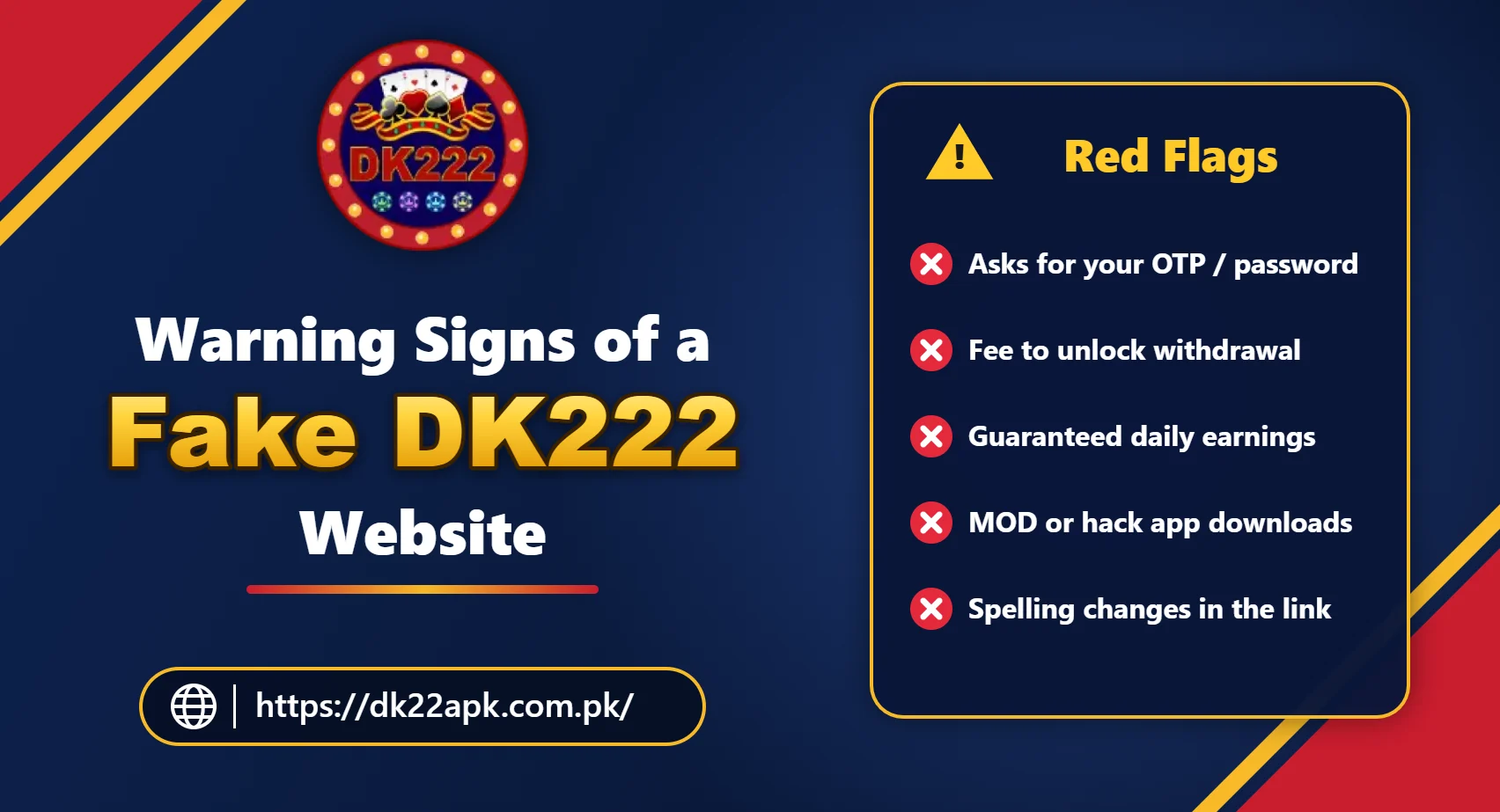
Leave the page immediately if you notice any of the following:
- the site asks for your password or OTP through WhatsApp, a form, or a chat;
- it promises guaranteed daily income or “100% winning” tricks;
- it asks for a fee, tax, or deposit before releasing a withdrawal;
- it shows countdown timers and pressure messages to make you act quickly;
- the design looks copied, with spelling mistakes and broken pages;
- it offers “MOD”, “hack”, or “predictor” versions of the app;
- it redirects you through many pop-ups and advertisements;
- it asks you to send money to a personal number outside the normal payment screen.
Extra Checks for Mobile Users
Most DK222 users open links on a phone, where small screens make mistakes easier. Keep these points in mind:
- tap the address bar to see the complete link, because phones often hide part of it;
- be careful with links opened inside WhatsApp, Facebook, or Telegram, which use their own in-app browsers;
- do not open links from unknown SMS messages that mention bonuses or blocked accounts;
- if a link downloads a file without asking, delete the file and do not install it.
How to Bookmark a Trusted DK222 Link
In Chrome on Android, open the link you trust, tap the three-dot menu, and tap the star icon to save it as a bookmark. You can also choose “Add to Home screen” to create a shortcut. Next time, open DK222 from the bookmark or shortcut instead of searching for the name again.
DK222.com Login – How to Sign In Safely
To sign in safely, open the link or app you trust, enter your registered mobile number and password, and complete any OTP step only on that screen. Do not log in through links received in random messages.
If you cannot sign in, follow our DK222 login guide. If you have forgotten your password, use the DK222 forgot password guide instead of asking strangers for help.
DK222.com Download – Where to Get the App
DK222 is mostly used on Android through an APK file. Because APK files can be installed from outside the Play Store, the download source is very important. Avoid files with unusual names, files that ask for unnecessary permissions, and anything labelled MOD, hack, or unlimited coins.
Our DK222 download guide includes the download button and the installation steps. If the app does not install, read DK222 APK not installing. iPhone and computer users can check DK222 for iOS and DK222 for PC.
DK222.com Deposit and Withdrawal Safety
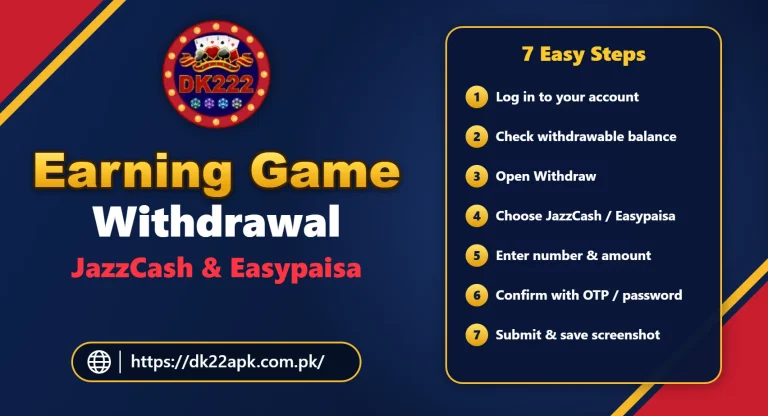
Most users in Pakistan deposit and withdraw through JazzCash or Easypaisa. To protect your money:
- use only the payment screen inside your account;
- check the amount and receiving details before you confirm;
- keep the transaction ID and a screenshot of every payment;
- never send money to a number shared by someone in a chat or group.
For full steps, see the DK222 deposit guide and the DK222 withdrawal guide.
What to Do If You Used a Fake DK222 Website
If you entered your details on a suspicious site, act quickly:
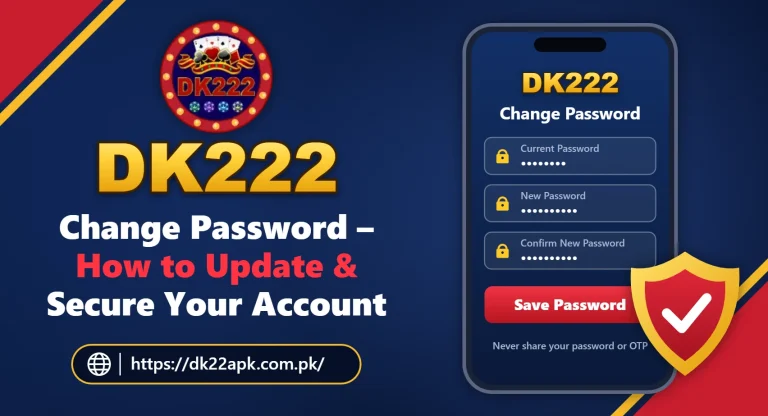
- Change your password straight away using our DK222 change password guide.
- Check your balance, betting history, and withdrawal details for changes.
- If you shared JazzCash or Easypaisa details, contact their official helpline and ask about protecting your wallet.
- Remove any unknown apps you installed from that site.
- Contact DK222 support through the app and keep screenshots of what happened.
- Do not pay anyone who promises to “recover” your money for a fee.
DK222.com vs DK22.com – Are They the Same?
Many users write DK22 when they mean DK222, so both names appear in searches. However, a website using a similar name is not automatically connected to the platform. Treat every address separately and check it with the steps above before entering any details.
Is dk22apk.com.pk the Official DK222 Website?
No. dk22apk.com.pk is an independent information website. We publish guides about downloading, registering, logging in, payments, and common problems. We do not hold user accounts, process deposits or withdrawals, or ask for passwords or OTPs. You can read more on our About Us page and in our DK222 real or fake safety guide.
Simple Safety Checklist
Use this checklist every time you open DK222:
- bookmark a link you trust and use it instead of searching;
- keep the app updated from a reliable source;
- use a strong, unique password;
- never share OTPs, passwords, or screenshots of account details;
- keep records of every deposit and withdrawal;
- leave any website that asks for fees to release your money.
Play Responsibly
DK222 involves real money. Only play with money you can afford to lose, set limits on time and spending, and take a break if playing stops being fun. A safe link protects your account, but responsible play protects your finances. DK222 is meant for adults (18+) only.
Frequently Asked Questions
What is DK222.com?
DK222.com is the web address most people type when they look for the DK222 (DK22) game platform. Many similar addresses exist, so always check the full link before you log in, deposit, or download anything.
Is DK222.com the official DK222 website?
Platforms like DK222 can use more than one domain and may change links over time, so a single official address is difficult to confirm from outside. Trust a link only if it opens your real account, does not ask for unusual payments, and never asks you to share your OTP.
How can I tell if a DK222 link is fake?
Warning signs include spelling changes in the address, requests for your password or OTP, fees to unlock withdrawals, promises of guaranteed daily earnings, pressure timers, and downloads of modified or hacked app versions.
Is DK22.com the same as DK222.com?
Not necessarily. DK22 is a common short name for DK222, but a website using a similar name may not be connected to the platform. Check every address carefully before entering any details.
Where can I download the DK222 app safely?
Use a download source you trust, check the file before installing, and avoid MOD or hacked versions. Our DK222 Download guide explains the download and installation steps for Android.
What should I do if I entered my password on a fake DK222 site?
Change your DK222 password immediately, check your balance and withdrawal details, contact your JazzCash or Easypaisa helpline if payment details were shared, and report the issue to official DK222 support.
Is dk22apk.com.pk the official DK222 website?
No. dk22apk.com.pk is an independent information and guide website. It does not hold user accounts, process payments, or ask for passwords or OTPs.
Related DK222 (DK22) Guides
- DK222 download – APK download and installation guide
- DK222 login – account access guide
- Is DK222 real or fake? Safety and risk guide
- DK222 change password – update and secure your account
- DK222 customer support options
- DK222 (DK22) game download guide
Final Thoughts
Searching for DK222.com is the first step for many users, but the address you open is what protects your account. Read every link carefully, compare it with a link you trust, never share your OTP, and leave any site that asks for fees to unlock your money.
If you need the app, use our download guide, and if something feels wrong, change your password and contact support right away. A few careful checks take less than a minute and can save your account and your money.
One Comment